
2026-08-12
Professional CV Writing Made Easy: Free Blank CV Template & Format Download Meta
저자: Seek PDF EditorMaster professional CV writing with our free, editable blank CV template. Download instantly and convert your own file into PDF, Word, DOCX, and more.
#professional cv writing#cv template#professional blank cv#free cv template download#cv format download#cv writing tips#cv template word#download cv template#cv writing guide
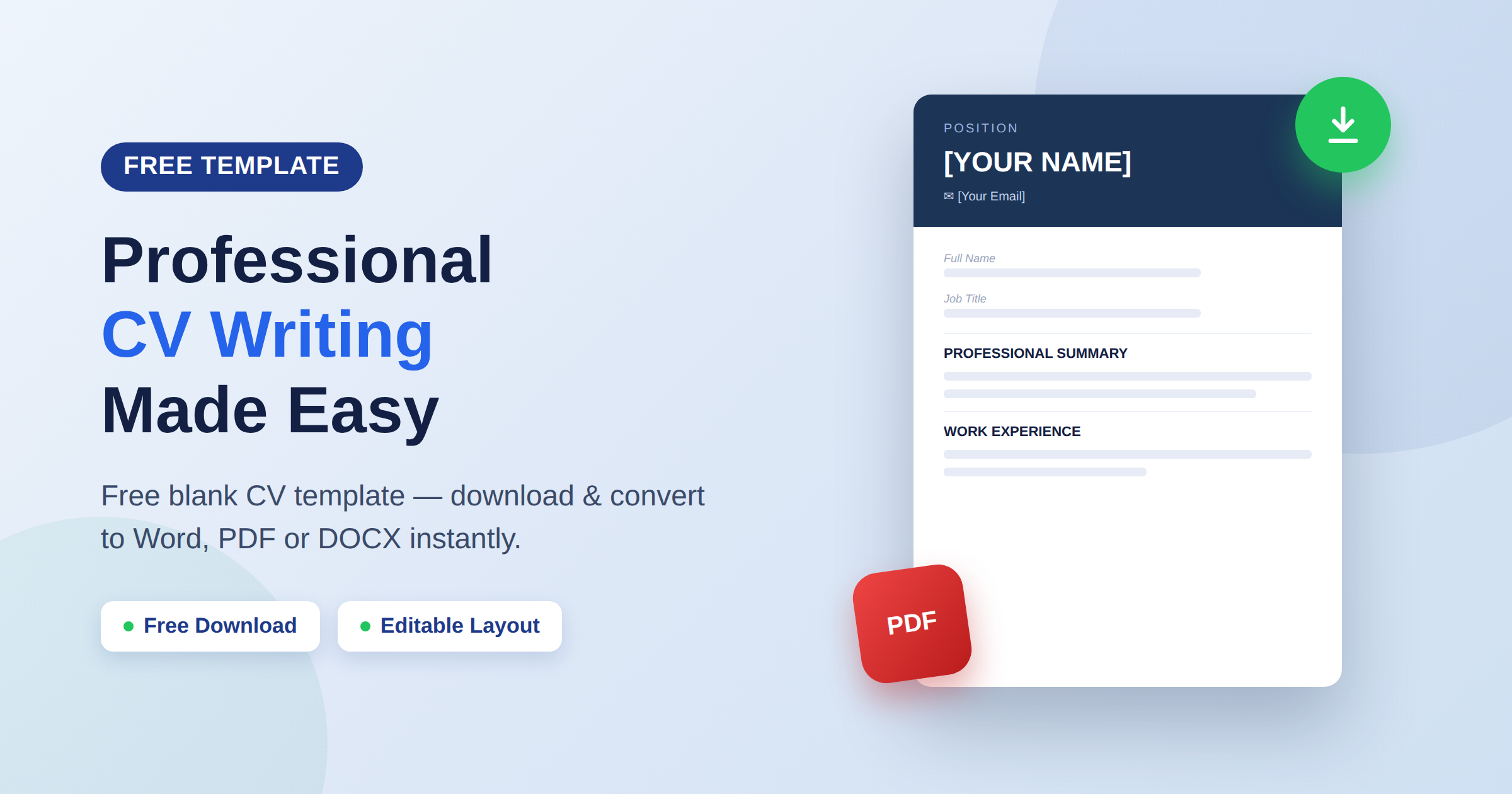
Professional CV Writing Made Easy: Free Blank CV Template & Format Download
Professional CV writing starts with the right structure. Rather than staring at a blank page, you can start from a ready-made, professionally formatted layout and simply fill in your own details. In this guide, you'll learn how to write each section of a professional CV using our free Professional Blank CV template, plus how to download it and convert it into any format your application needs — using your own file.
Why a Blank CV Template Makes Professional CV Writing Easier
A blank CV template takes the guesswork out of formatting. Instead of deciding where headings, contact details, and dates should go, you get a clean, pre-structured layout with a bold header band, clearly labeled fields, and consistent spacing throughout. That means your professional CV writing time goes into the content that actually gets you hired — not into aligning text boxes
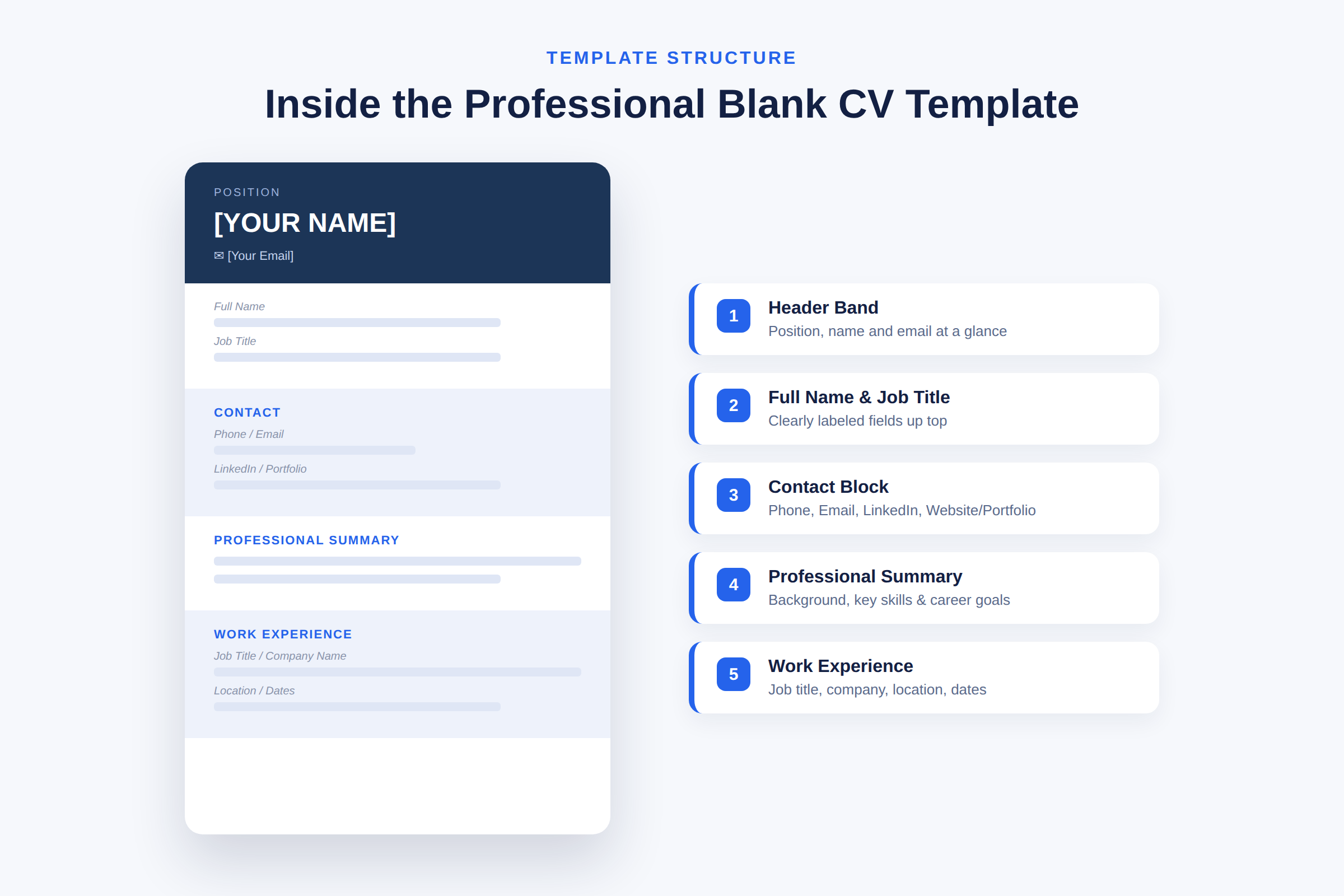
This particular template includes:
- A header band with your position/title, name, and email displayed prominently at the top
- Labeled fields for Full Name and Job Title
- A contact block for Phone, Email, LinkedIn, and Website/Portfolio (marked "if applicable")
- A Professional Summary section, with a prompt reminding you to summarize your background, key skills, and career goals
- A Work Experience section, with fields for Job Title, Company Name, Location, Start Date, and End Date (or "Present")
Because every field is already labeled, you always know exactly what to write next.
How to Fill In Each Section
Header & Contact Details Add your name, target position, phone number, email, LinkedIn URL, and (if relevant) a portfolio or website link. Keep this section accurate and up to date — it's the first thing a recruiter checks.
Professional Summary This is where professional CV writing really matters. In two to three sentences, summarize your experience level, your strongest skills, and what you're aiming for in your next role. Keep it specific rather than generic — mention your field, years of experience, or a standout achievement.
Work Experience For each role, fill in the job title, company name, location, and dates (using "Present" if you're still employed there). Under each entry, add two to four concise bullet points describing your responsibilities and, where possible, measurable results.
Additional Sections The template's blank layout also leaves room to add sections like Education, Skills, or Certifications underneath your work history — simply follow the same clean formatting style already established in the document.
Download the Free CV Template
Getting started takes less than a minute:
- Click the free download button to get the Professional Blank CV template.
- Open the file and replace the bracketed placeholders — like [YOUR NAME] and [Your Email] — with your own information.
- Fill in your Professional Summary and Work Experience sections.
- Save your completed CV, ready to send to employers.
Convert Your CV to Any Format Using Your Own File
Once you've filled in the template, you might need it in a different format depending on where you're applying — some employers ask for Word, others prefer PDF. Instead of downloading a separate cv template word file, simply upload your own completed file into our built-in file converter and select the format you need.
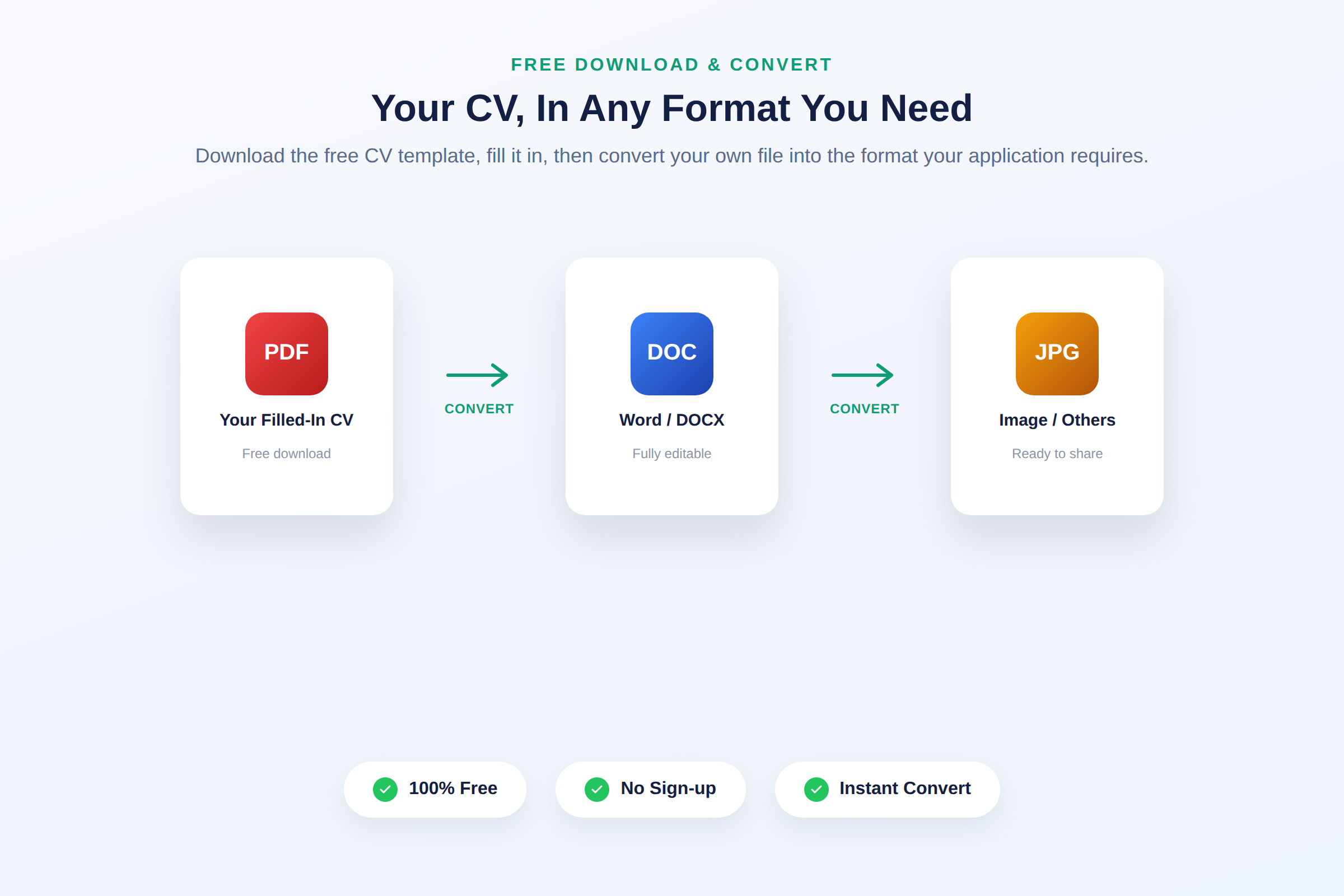
This means you can:
- Write your CV once, in the format that's easiest for you
- Instantly convert it to PDF, Word/DOCX, or other formats as needed
- Keep one master file and generate new versions any time — without rebuilding your CV from scratch
It's the fastest way to turn a downloaded blank CV template into a polished, ready-to-send document, using the file you already have.
Professional CV Writing Tips
- Replace every placeholder. Double-check that no bracketed text like [YOUR NAME] is left in your final version.
- Lead with strong verbs. Start Work Experience bullet points with action words such as "led," "developed," or "increased."
- Keep your summary tight. Two to three sentences is enough — save the detail for the Work Experience section.
- Add a LinkedIn or portfolio link when relevant. It gives recruiters an easy way to see more of your work.
- Proofread before converting. Fix typos and formatting issues in your master file before generating other formats.
Frequently Asked Questions
Is the Professional Blank CV template free to download?
Yes, it's completely free to download and use, with no sign-up required.
Do I need to keep the header band and color styling?
No — you can customize colors and fonts, or keep the design as-is. The structure (header, contact, summary, experience) is what matters most.
Can I convert this CV template into Word or DOCX?
Yes. After filling it in, upload your file to our file converter, choose Word/DOCX (or any other format), and download the converted version instantly.
Can I add sections like Education or Skills?
Yes, the blank layout is designed to be extended — simply add new sections below Work Experience using the same formatting style.
Start Writing Your Professional CV Today
Download the free Professional Blank CV template, fill it in with your own details, and convert it into exactly the format you need — all in one place, using your own file.